
Super Junior's Shindong demonstrates AI video generation to solve filming issues
Super Junior's Shindong demonstrated how to use the AI video generation platform Higgsfield to create sophisticated video clips without actual filming, potentially eliminating the need to reschedule shoots to capture specific insert cuts.
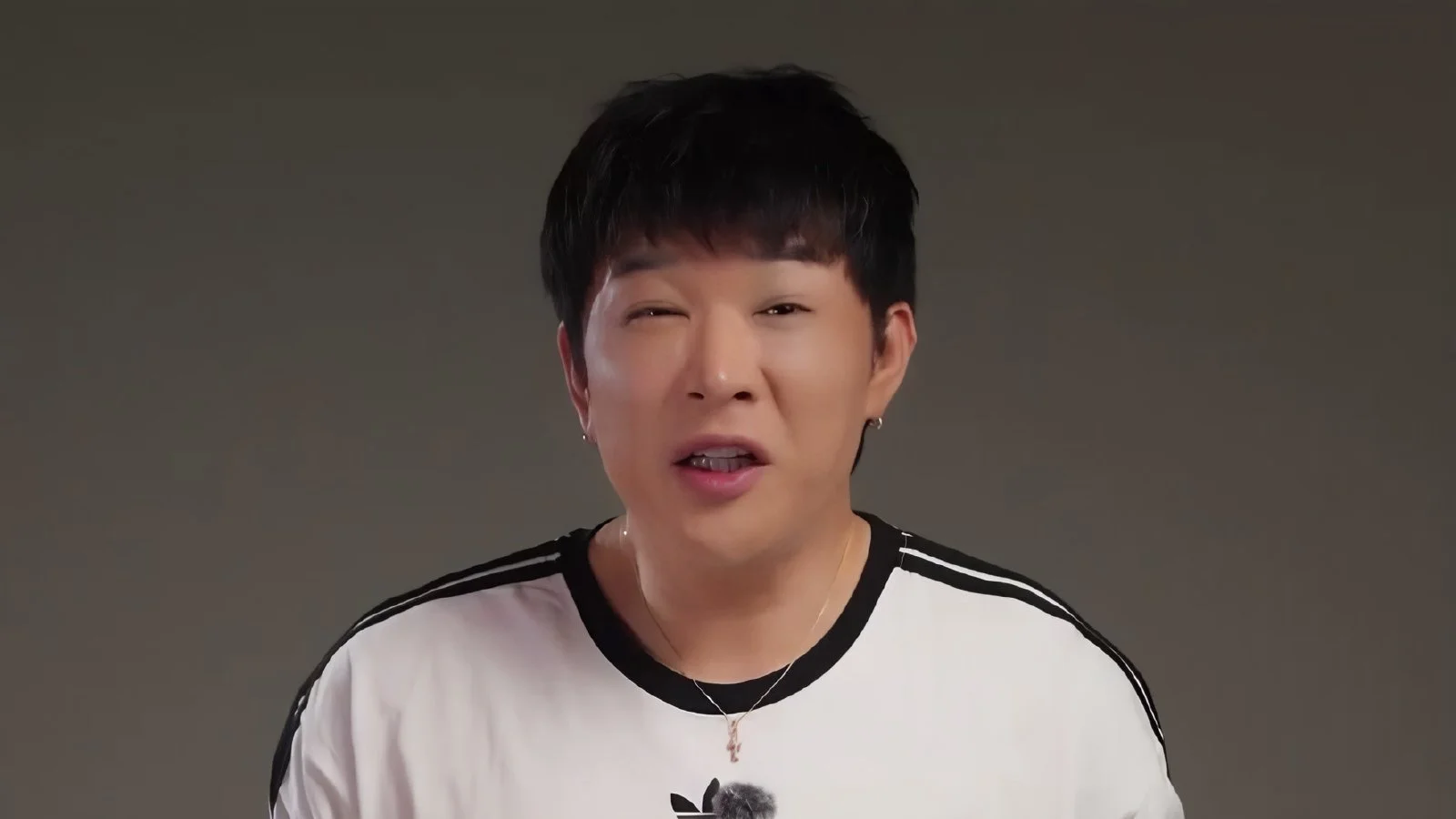
Super Junior's Shindong recently demonstrated how the Higgsfield platform can generate AI video insert cuts on his YouTube channel 'Shindongdengdong'. Using the Seedance 2.5 model, he showed how to create 15-second clips for approximately $1 per video to help fill missing scenes during the editing process.
The inconvenience of having to reschedule filming schedules to secure specific scenes (insert cuts) during the editing process is expected to be resolved by AI technology. Through his channel 'Shindongdengdong', Super Junior's Shindong recently revealed the process of creating sophisticated videos without actual filming by utilizing the AI video generation platform Higgsfield.
Utilizing various AI models and selecting efficient pricing plans
Shindong explained the roles of image models and video models as the foundation of AI video production. Image models generate photos, while video models make those photos move. He mentioned various models, including 'Nano Banana' which is strong in photo editing, 'GPT Image 2.5' which follows instructions accurately, 'Soul Cinema' which provides cinematic textures, and 'Seedream' which creates diverse scenes. He noted that various types of video models also exist.
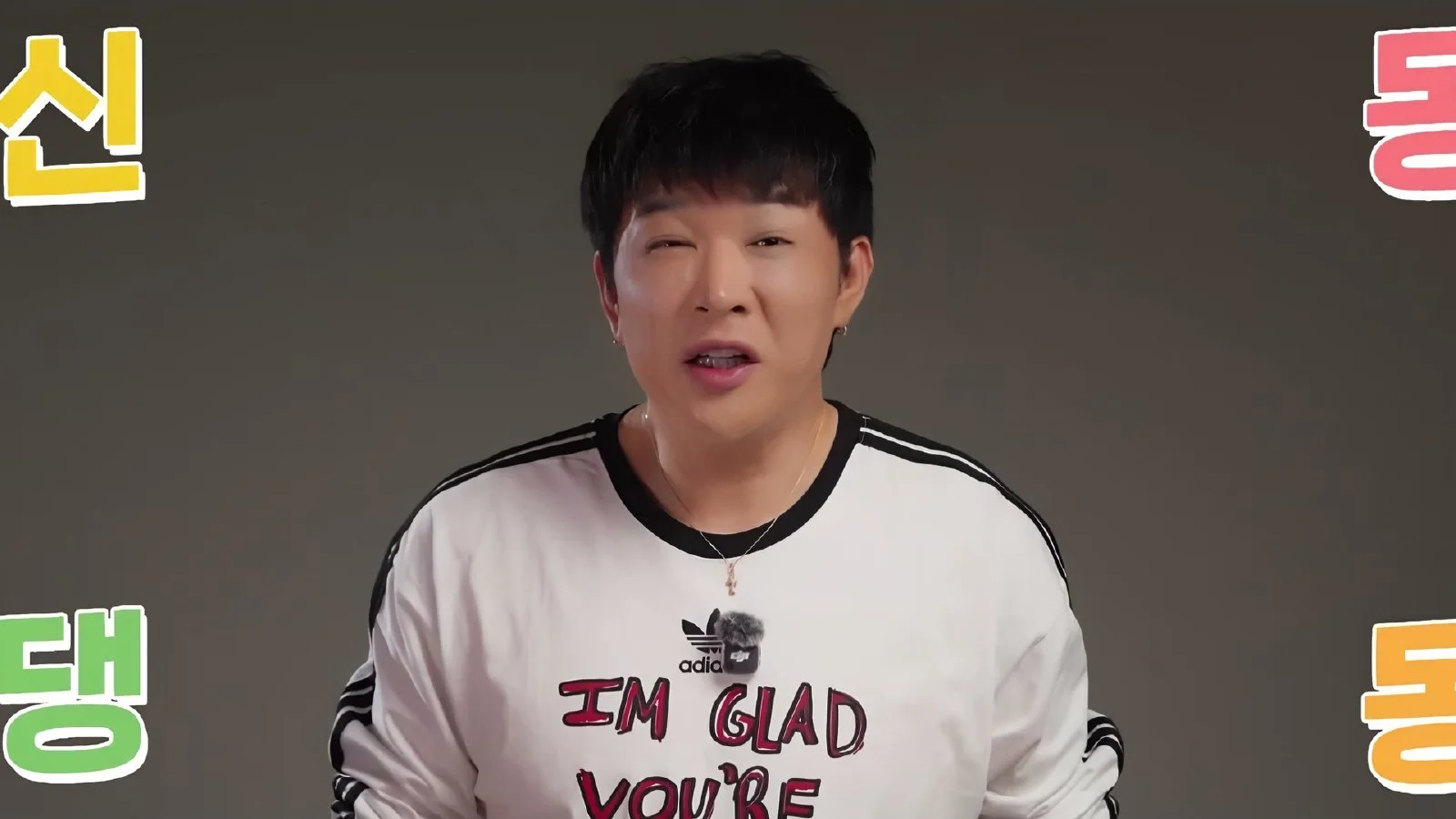
He presented Higgsfield as a use case because it allows integration with Claude and enables the use of various models in one place. Regarding pricing, he suggested using the Plus plan to utilize the 'Seedance 2.5' model. The Plus plan costs $49 per month, but is available for $39 per month with annual billing. With 1,000 credits provided every month, one can produce approximately 67 Seedance 2.5 videos, making the cost per video less than $1. New members can receive up to a 50% discount on their first payment when signing up through the "See More" link.
The 'Character Sheet' stage is key to maintaining character consistency
Shindong defined the first step of AI video production as character creation through an image model. He explained that the more detailed the prompt (command), the more accurate the result, specifically recommending the 'GPT Image 2.5 Player' model, which has strengths in creating full-body character photos. Users can set a character's appearance by uploading photos they possess or by taking a selfie. If writing prompts is difficult, one can ask Claude or ChatGPT for a draft.
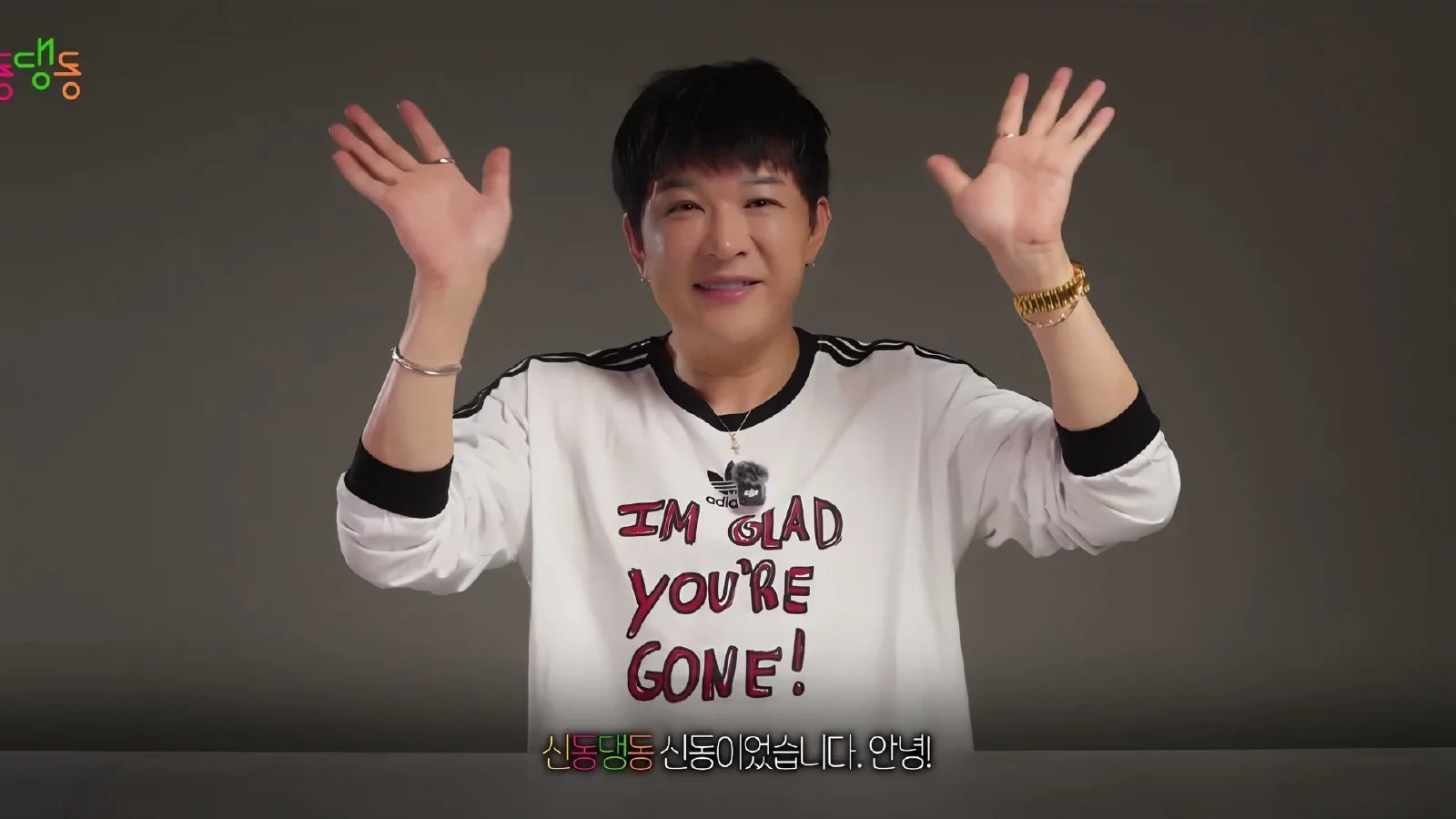
The key to the success or failure of video production lies in the 'Character Sheet' creation stage. Shindong emphasized that one must create a character sheet containing a front view, a side view, and a face close-up on a single page to ensure the person's face and clothing do not change in the video. He suggested a method to maintain character consistency throughout the video by using a character sheet generated with the 'GPT Image 2.5 Sunburst' model as a reference for the video model.
15-second AI insert cut implementing complex movements
Based on the generated character, Shindong used the 'Seedance 2.5' model to implement a video that resembles an actual music video filming site. He set a scene where a protagonist stands nonchalantly while looking at a tablet while a makeup artist touches up their face at an outdoor music video set. Although the movement of a person's hand touching another person is a difficult condition for AI to implement, the hair blowing in the wind and the movement of staff in the background were naturally directed.
He identified "filling in missing scenes during editing" as a practical application for such AI videos. Rather than perfectly implementing every scene, he explained that it is practically useful to quickly generate cuts for editing to enrich the flow of the video, even if it means accepting a bit of awkwardness. In fact, he shared two results created by changing only the location setting to a 'broadcasting station studio' using the same prompt.
Using trend templates for beginners
A guide for beginners who find AI video production daunting was also provided. Shindong advised that if it is difficult to design everything manually, one should utilize the video templates in the 'Gen-Z-Chu' tab within Higgsfield. After selecting a template from the community trending section and clicking 'Recreator' to add one's own character, one can quickly obtain a result where only the person changes while the movement of the individual is maintained.
"It is good to first get used to it by creating results through these fun features, and then gradually move toward directly directing the videos you want," he advised. He suggested that AI video production could be a useful tool for those who wish to visualize ideas in advance before filming.
Source: original video (YouTube)
0Comments
Comments are currently disabled.